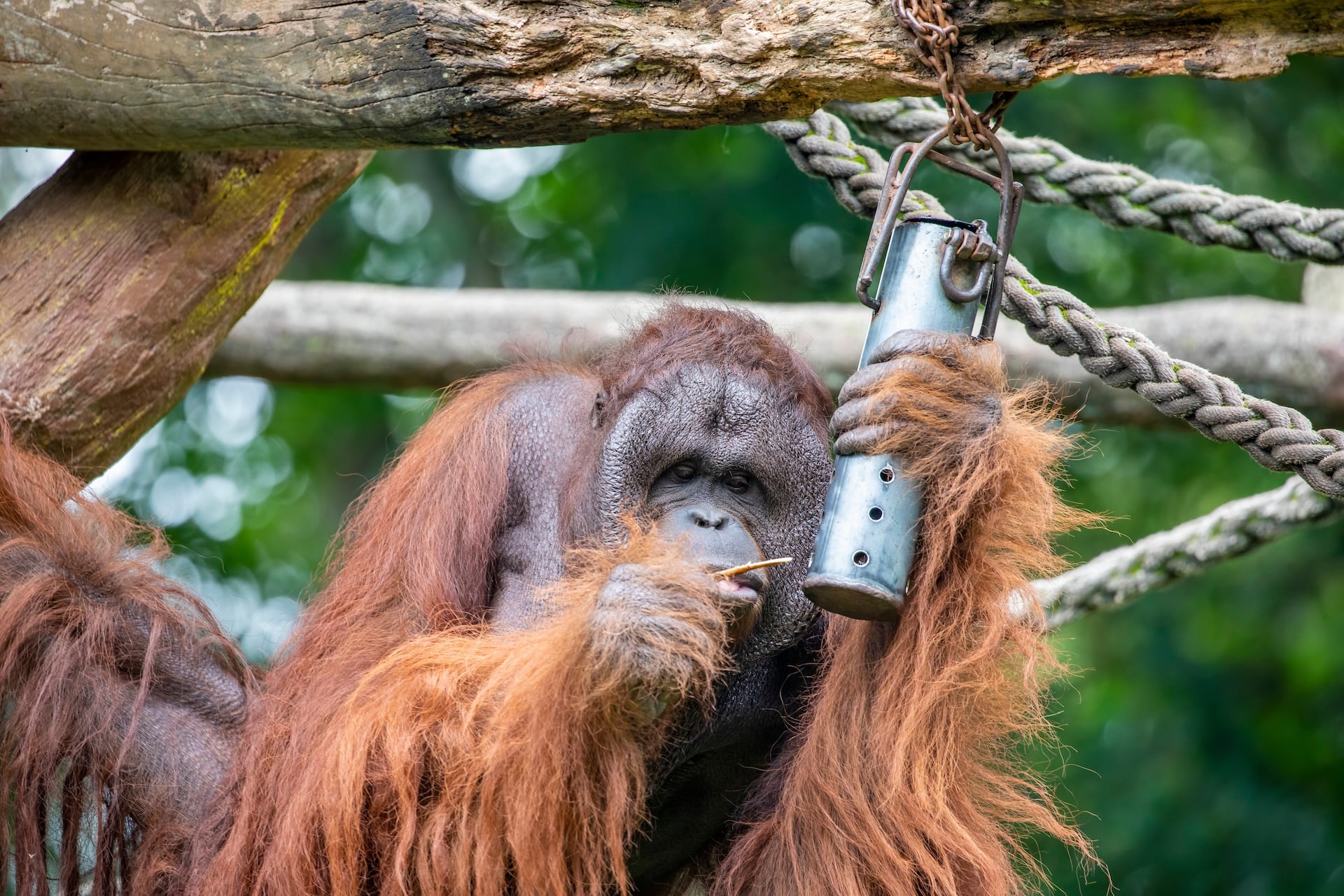
Enrichment is a crucial component of animal welfare, so we are pleased to offer a new and improved way of recording it in ZIMS. Released this week, the new workflow is more efficient and user-friendly, allowing users to record enrichment sessions from a mobile device the moment they happen.
We’ve made significant improvements to the original Enrichment workflow in ZIMS, and we’re particularly excited that it is now a goal-based framework instead of item-based. Through the Data Entry screen users can now identify an enrichment goal first, assign multiple enrichment items for that goal, and assign the item to animals at the same time (if they have permissions). The new workflow simplifies the process of recording enrichment especially if QR codes are generated and located at the enclosure for easy access to the Data Entry screen.
Users with rights to add enrichment items (and sessions) will be able to add an item, or multiple items, to an animal at the same time as they record the session. For example, if you have five meerkats in an enclosure that are assigned enrichment item “ball pit”, and you add a new meerkat to the enclosure, you can go to on-the-go Data Entry screen on your phone, select Enrichment > select the six meerkats > item “ball pit” > record the session. When you click save, it will ask if you want to assign the item to the sixth meerkat. This is particularly useful for aquarists providing enrichment in enclosures that frequently have changes in occupants.
The Enrichment field type is the latest to be added to the mobile-friendly Data Entry in ZIMS, alongside options to record animal notes, clinical notes, identifiers, weight and body condition score, and length.
These changes only apply to enrichment recorded through Data Entry, and not legacy ZIMS. Business rules remain the same: if enrichment is assigned to specific taxa, it will only be available for that taxa or below and there are no enclosure restrictions applied.
On-the-go Enrichment is now available to all ZIMS users. Open Data Entry on your mobile device, select Enrichment, and record your next session while you’re at the enclosure. If you don’t currently see the Enrichment record-type, please reach out to your local ZIMS admin to ask about permissions.
As always, we would love to hear how it works for you and your team. Please share your feedback with us at support@species360.org.