New in ZIMS: Mobile Clinical Notes in ZIMS for Medical
By
Gavrielle Kirk-Cohen
Great news for veterinary team members! You can now create clinical notes from your mobile device while you’re out on rounds seeing patients.
The latest ZIMS release on 23 July introduces clinical notes to Data Entry – ZIMS’ mobile friendly on-the-go feature. ZIMS for Medical users have long requested a mobile experience for entering key records, and we’re excited to announce a significant step in that direction. This update is all about helping you work more quickly and efficiently, reducing your time tied to a computer and giving you more time doing what you do best – caring for animals.
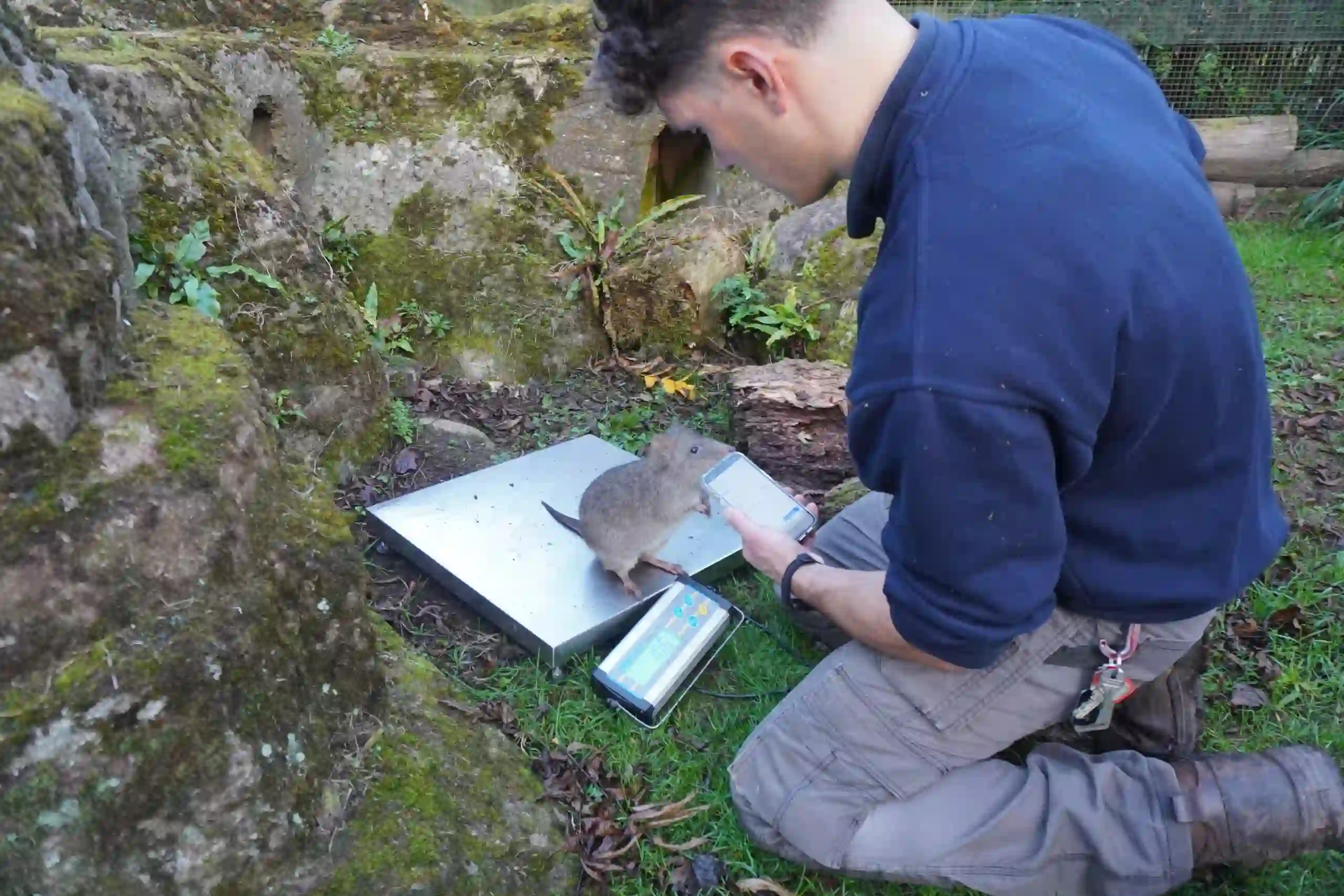
The new feature allows users to enter clinical notes on the go. Whether you’re doing rounds through the zoo or aquarium, in between meetings, or waiting between patient procedures or when you are on-call and give verbal recommendations, you can now easily input quick, note-style records from your phone. If needed, you can go back and edit the note later on a desktop computer.
Additionally, templates created on the desktop version of ZIMS for Medical will be fully accessible for use when creating these mobile notes.
ZIMS for Medical Open Office Hours
If you would like to learn more about how to use the new mobile-friendly clinical notes feature or have any questions, please drop into one of our Open Office Hours sessions:
We plan to release additional on-the-go medical features in the future, so please keep an eye out for announcements on latest releases. We’re committed to making your ZIMS experience as intuitive and efficient as possible.
If you don’t see the new Data Entry feature in the ZIMS menu, please contact your ZIMS Local Admin for access. And if you have any questions or need help, the Specie360 Member Support team is here to help! Feel free to reach out at support@species360.org or try our new Chat Support option on our website.